Deco Mini 7 V2
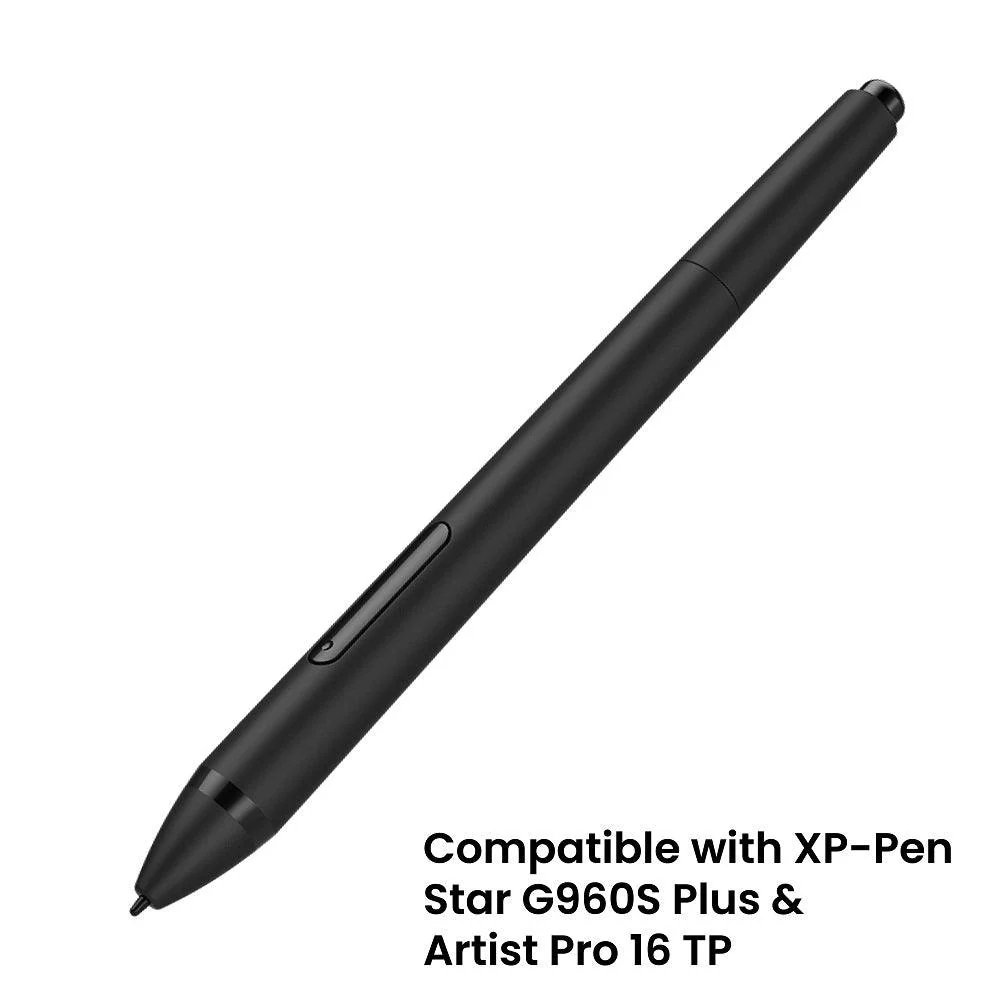
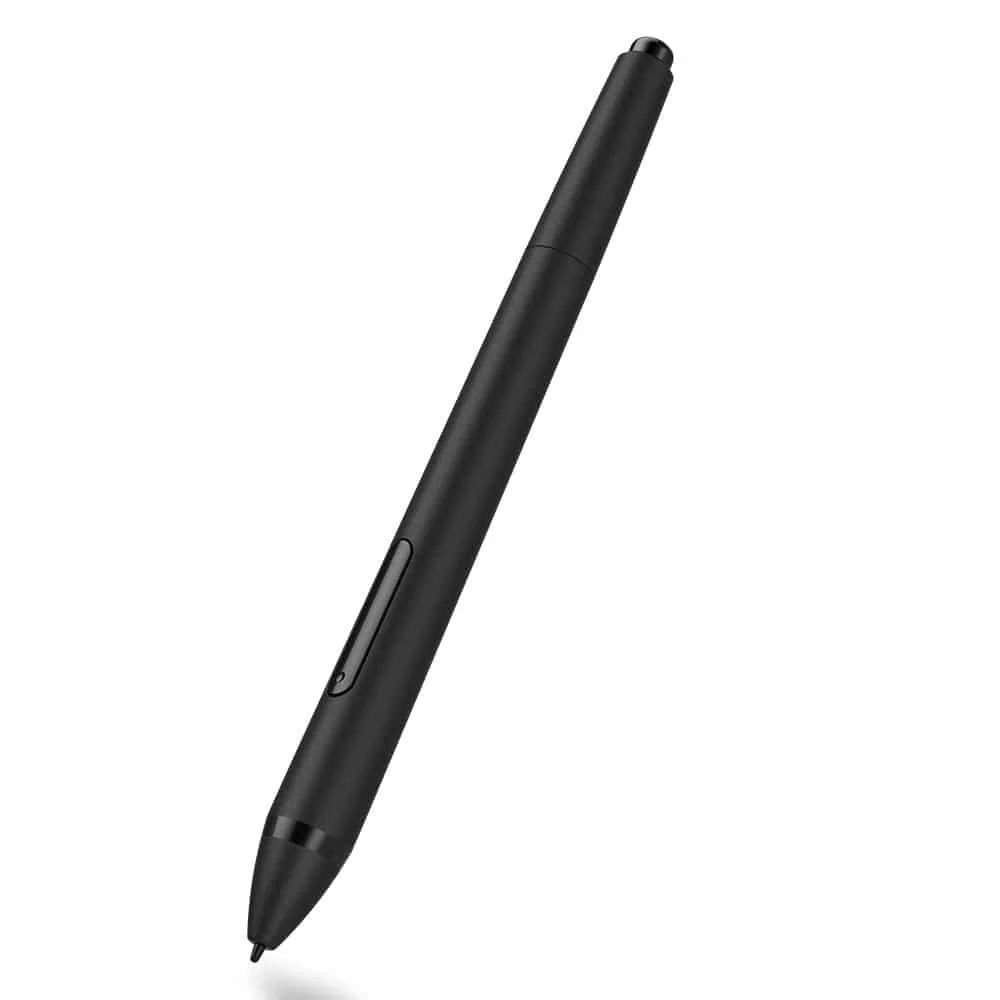
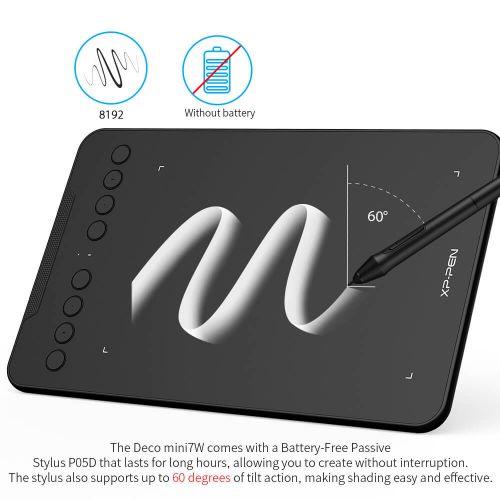
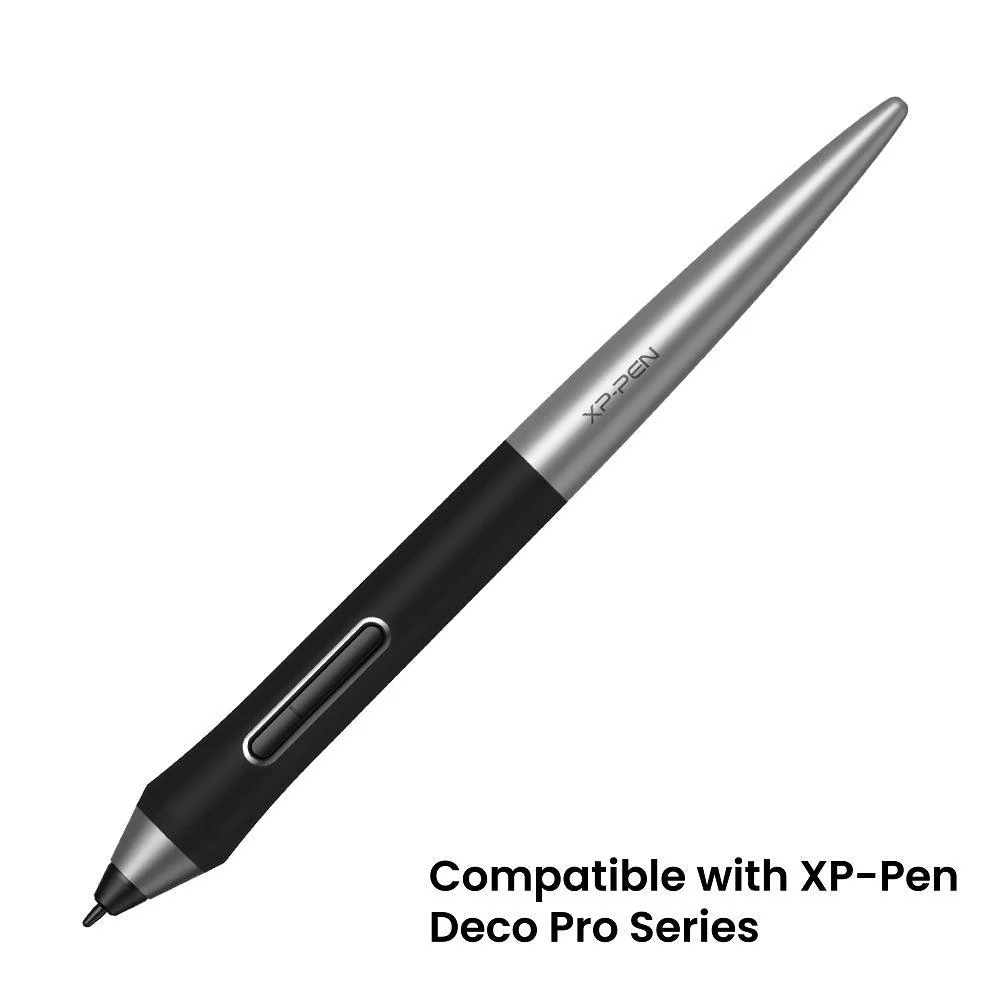
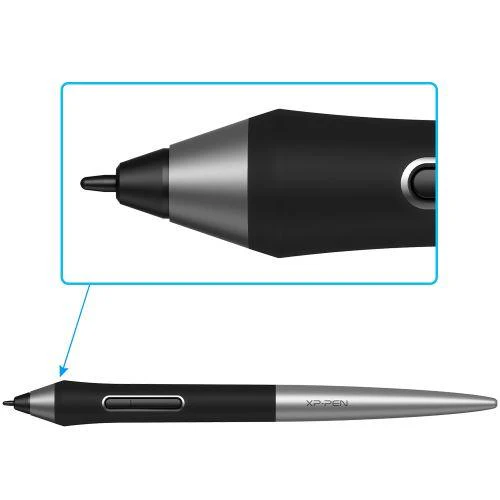
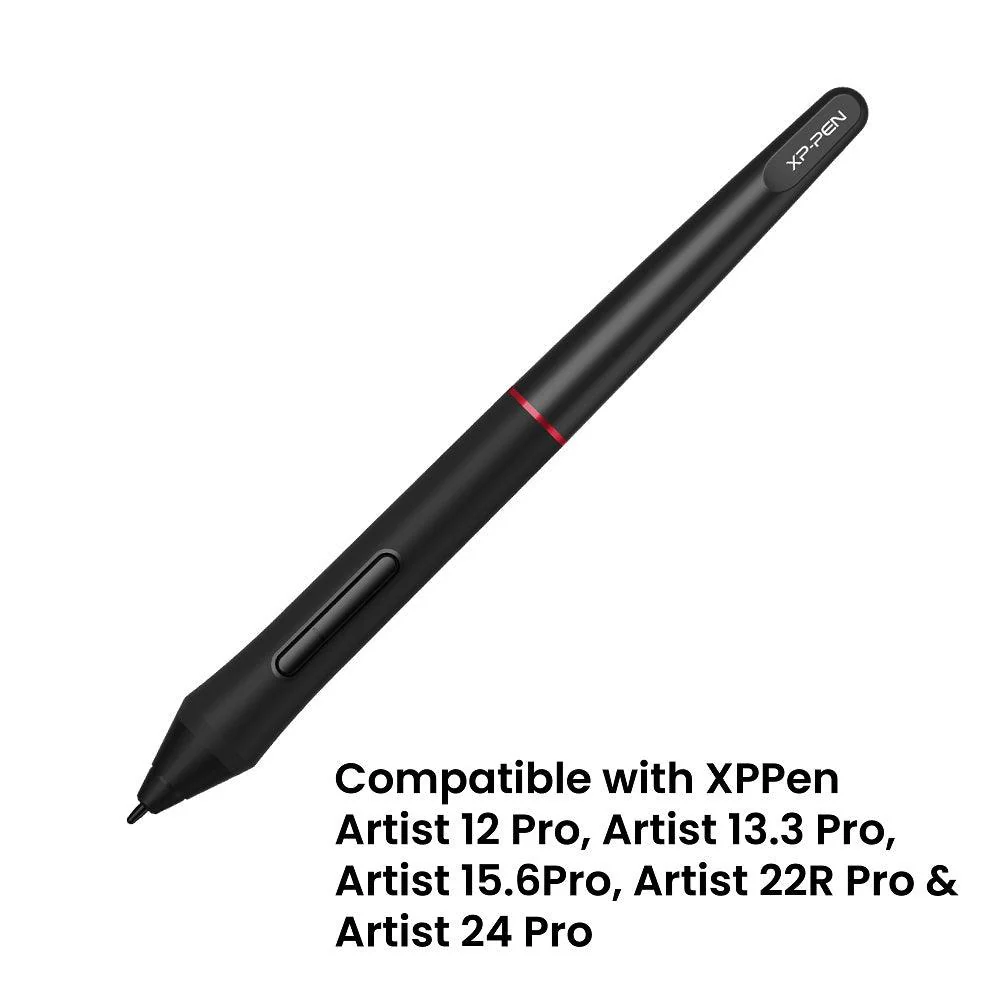
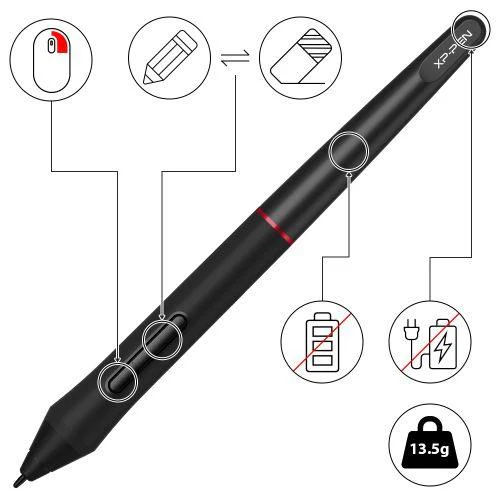
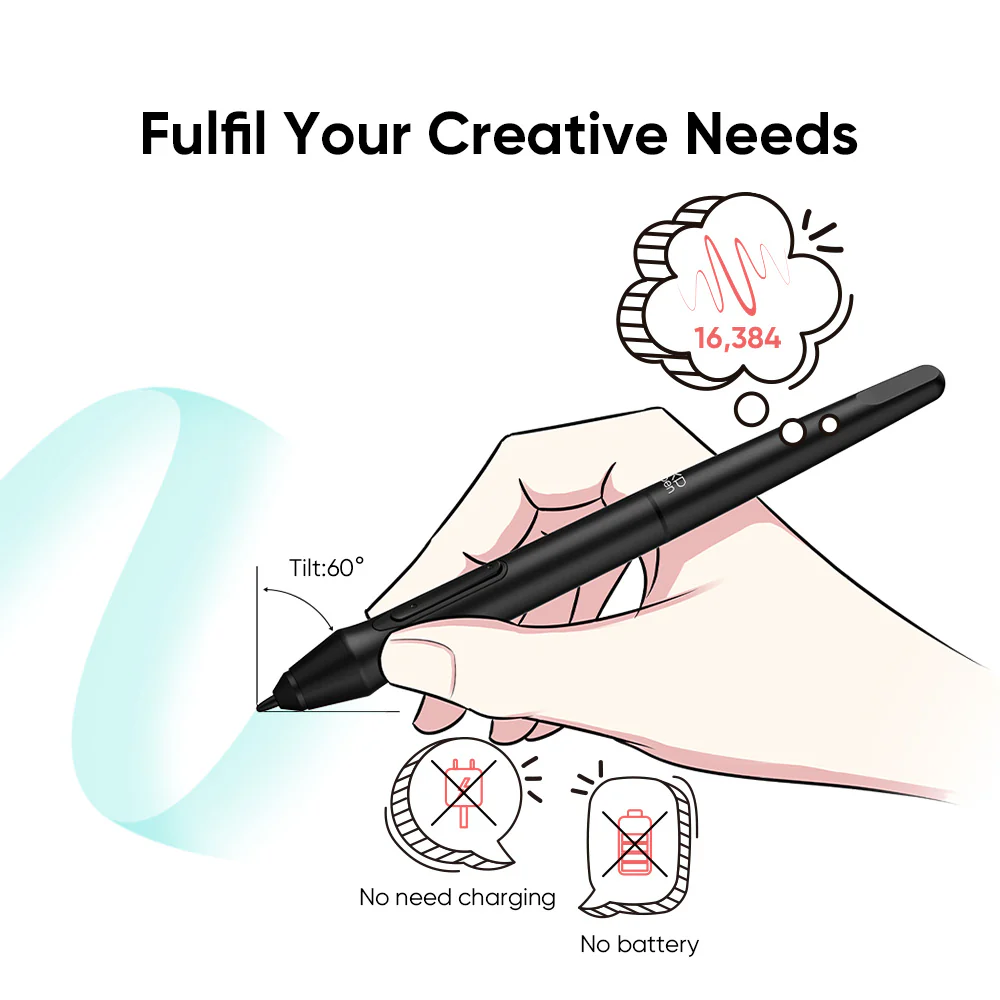
✅ [World’s First 16K Pressure Levels] – The upgraded stylus offers 16,384 levels of pressure sensitivity for enhanced precision, making it ideal for detailed artwork. The battery-free pen ensures uninterrupted creativity, while enhanced nibs provide long-lasting reliability. 60° tilt support allows beginners to achieve varied line thicknesses and shading effects effortlessly.
✅ [Beginner-Friendly Updated Driver] – The newly optimized driver features a simplified UI, making it easy for students, beginner artists, and hobbyists to set up and start drawing. The intuitive interface allows for a smooth, distraction-free creative experience, helping users gain confidence in digital art.
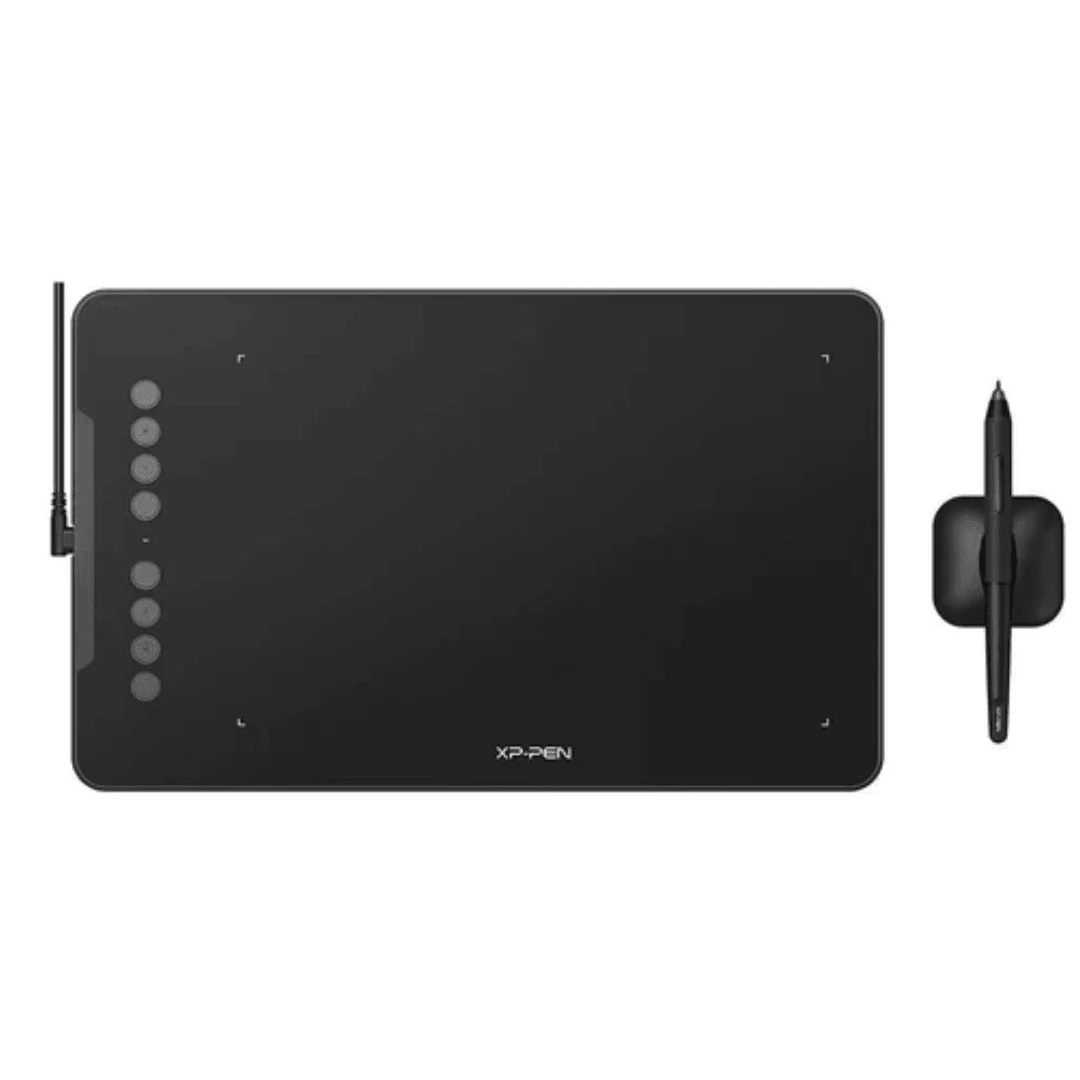
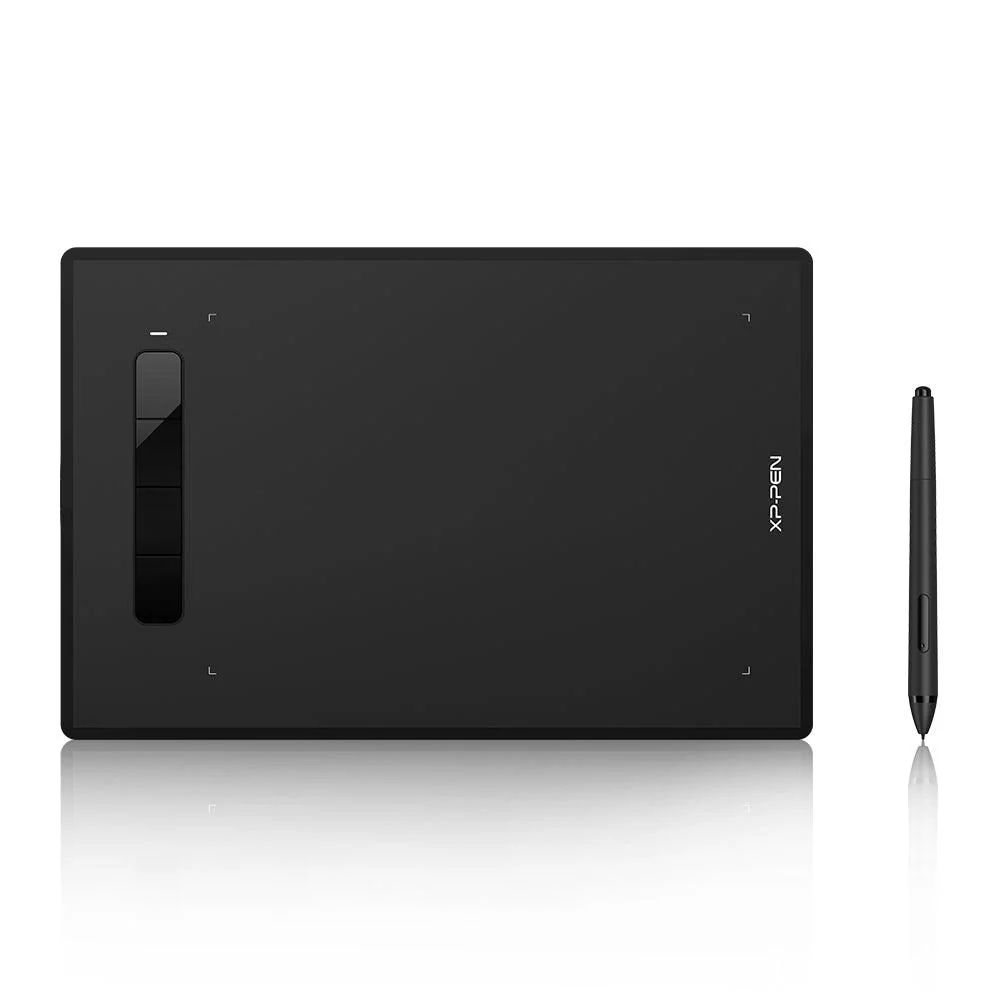
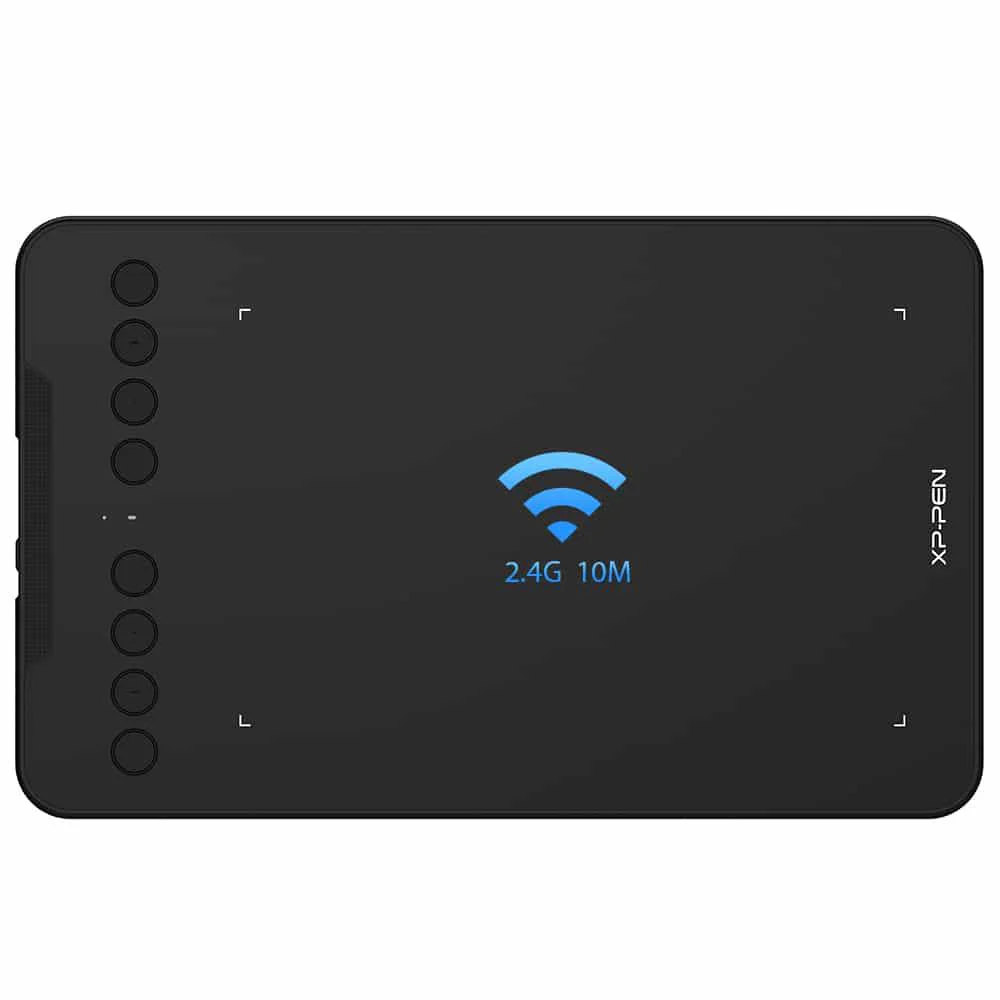
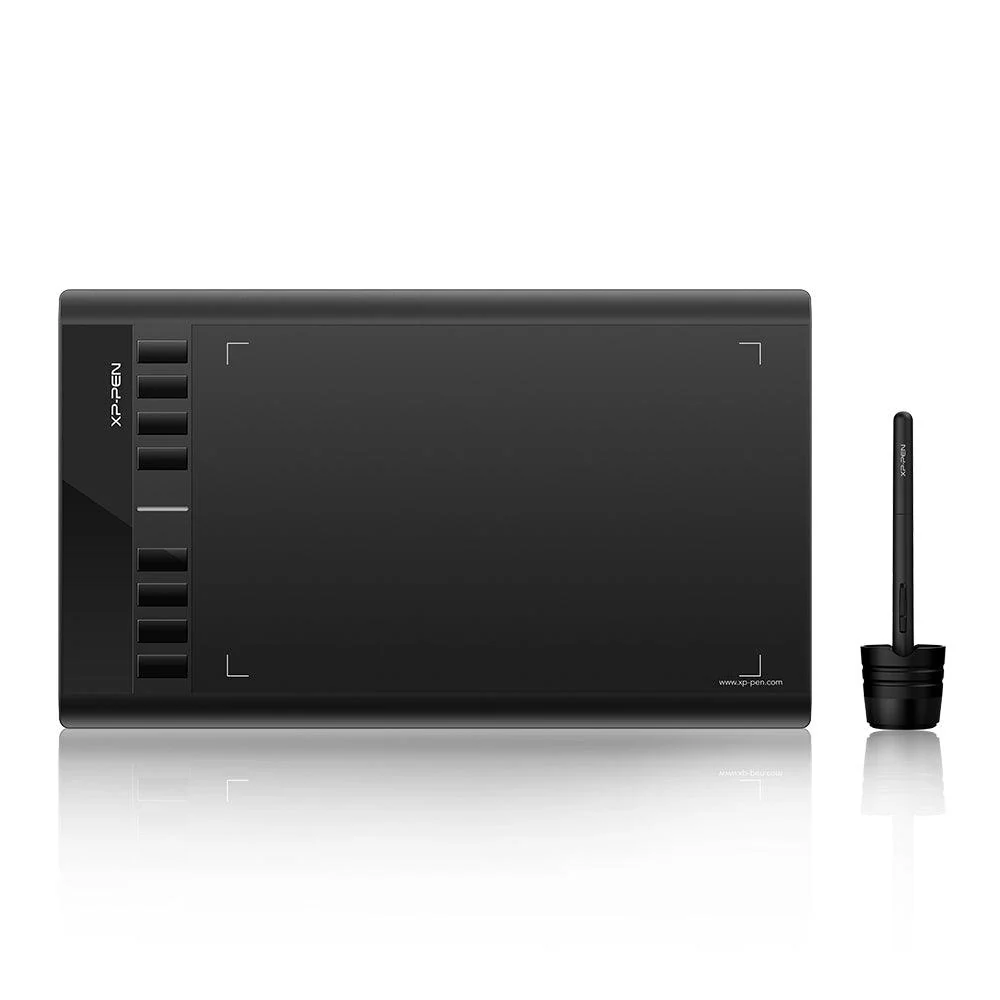
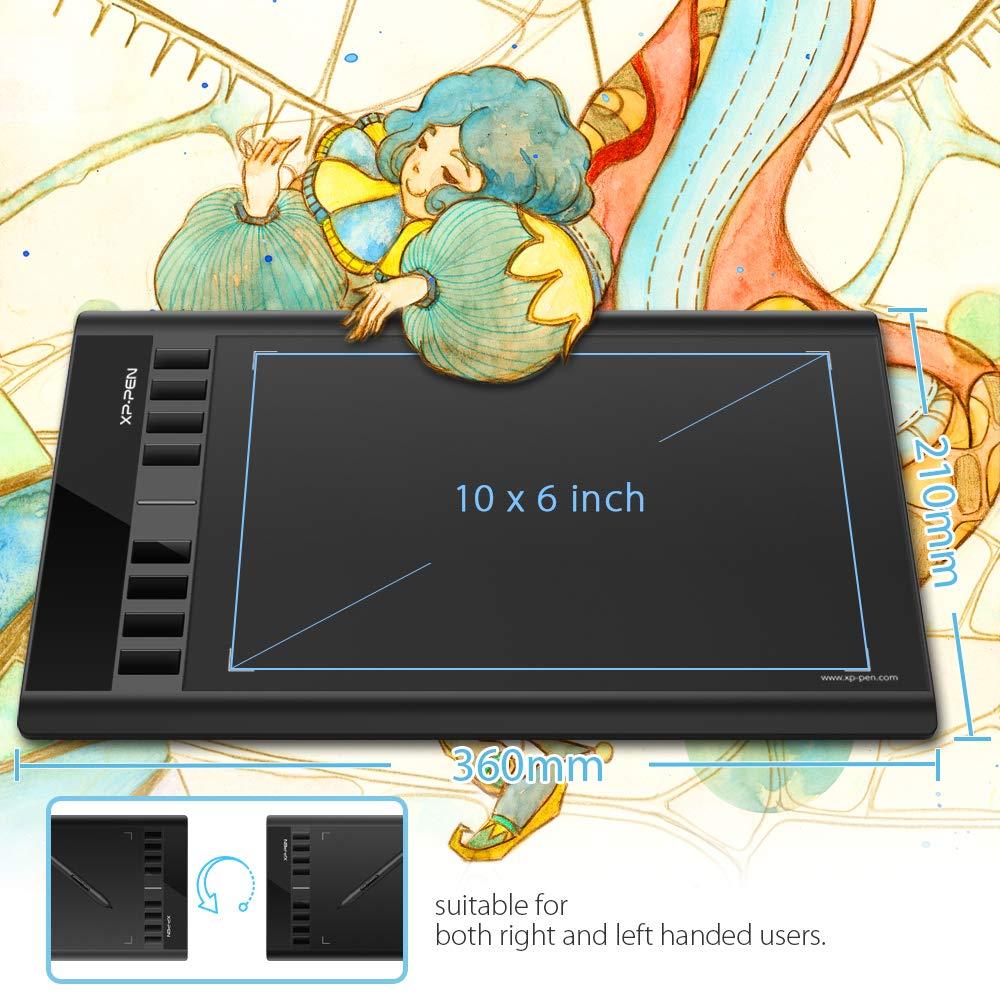
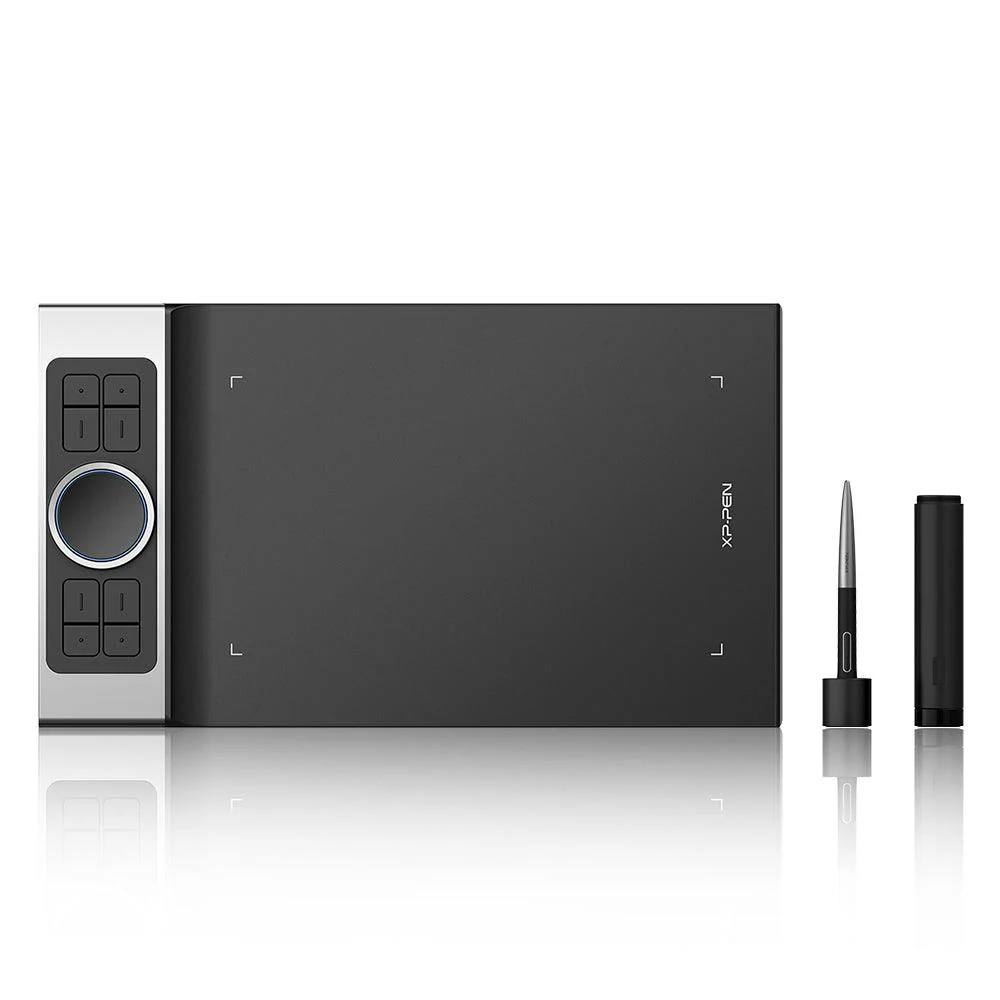
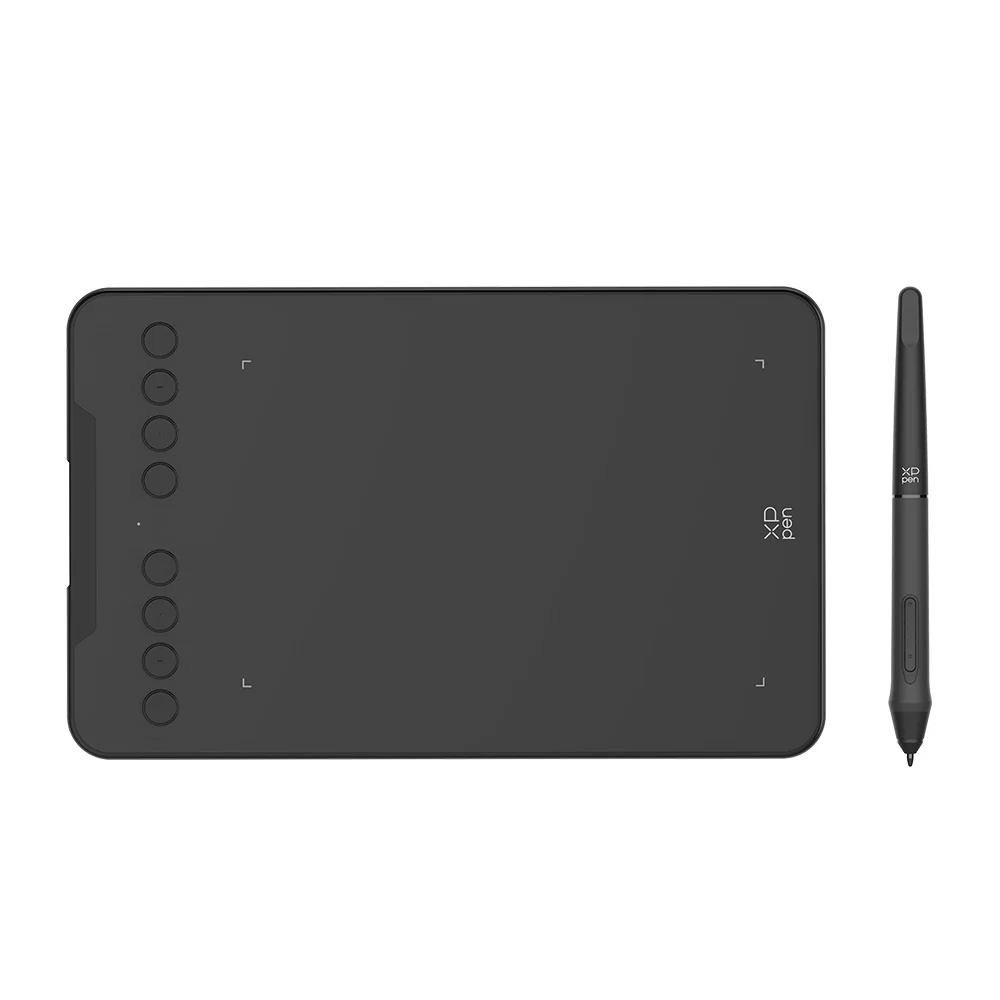
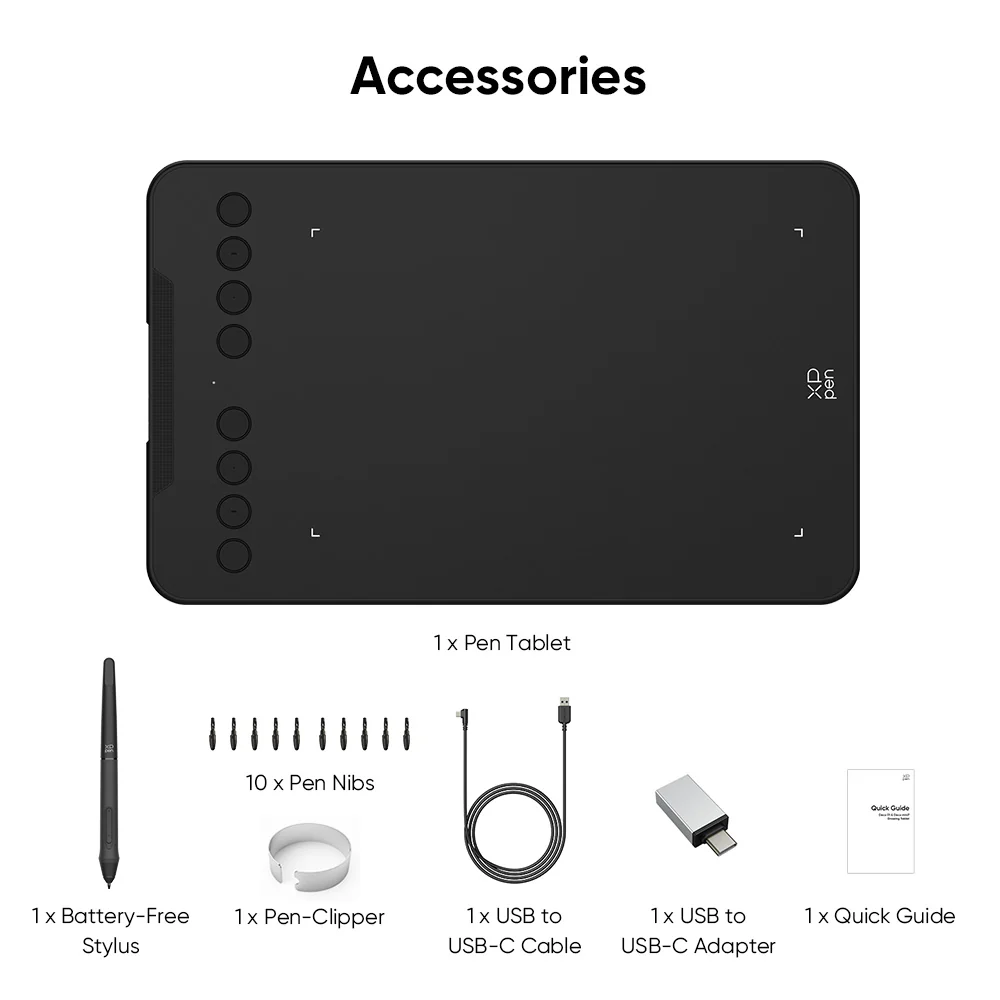
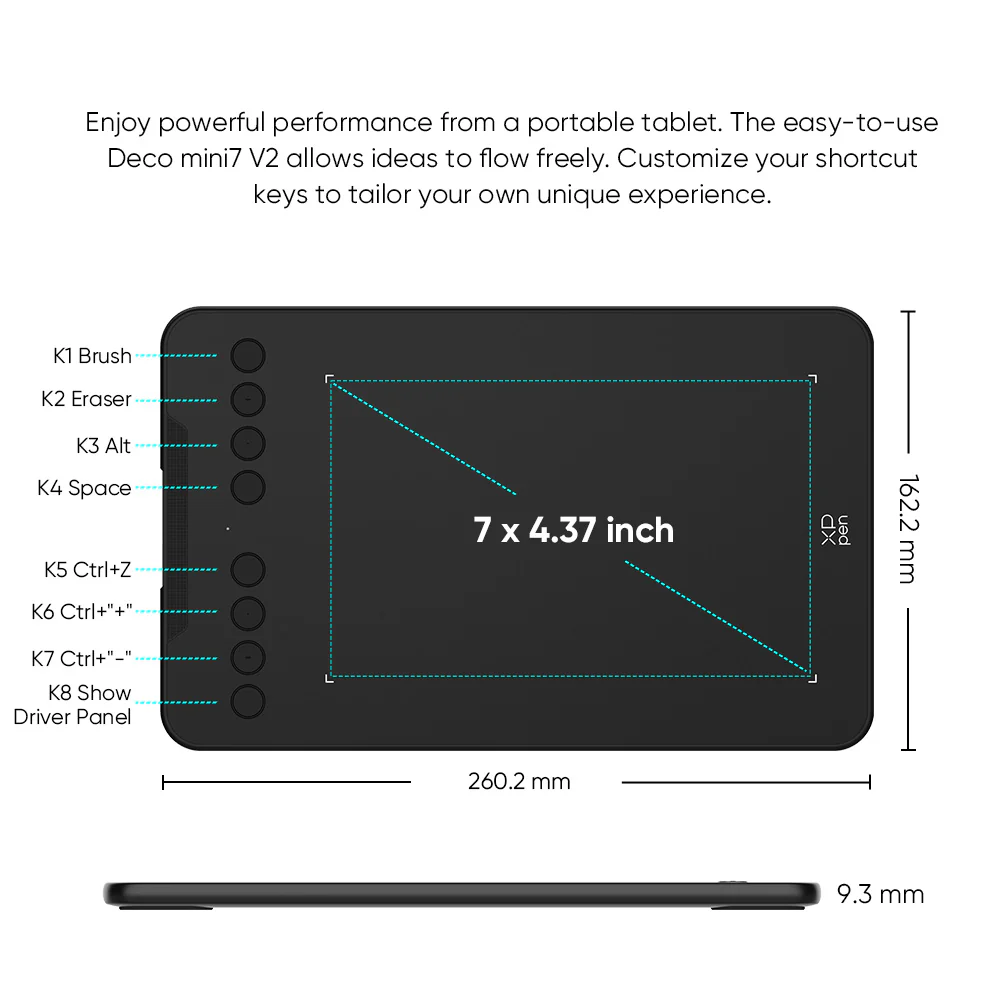
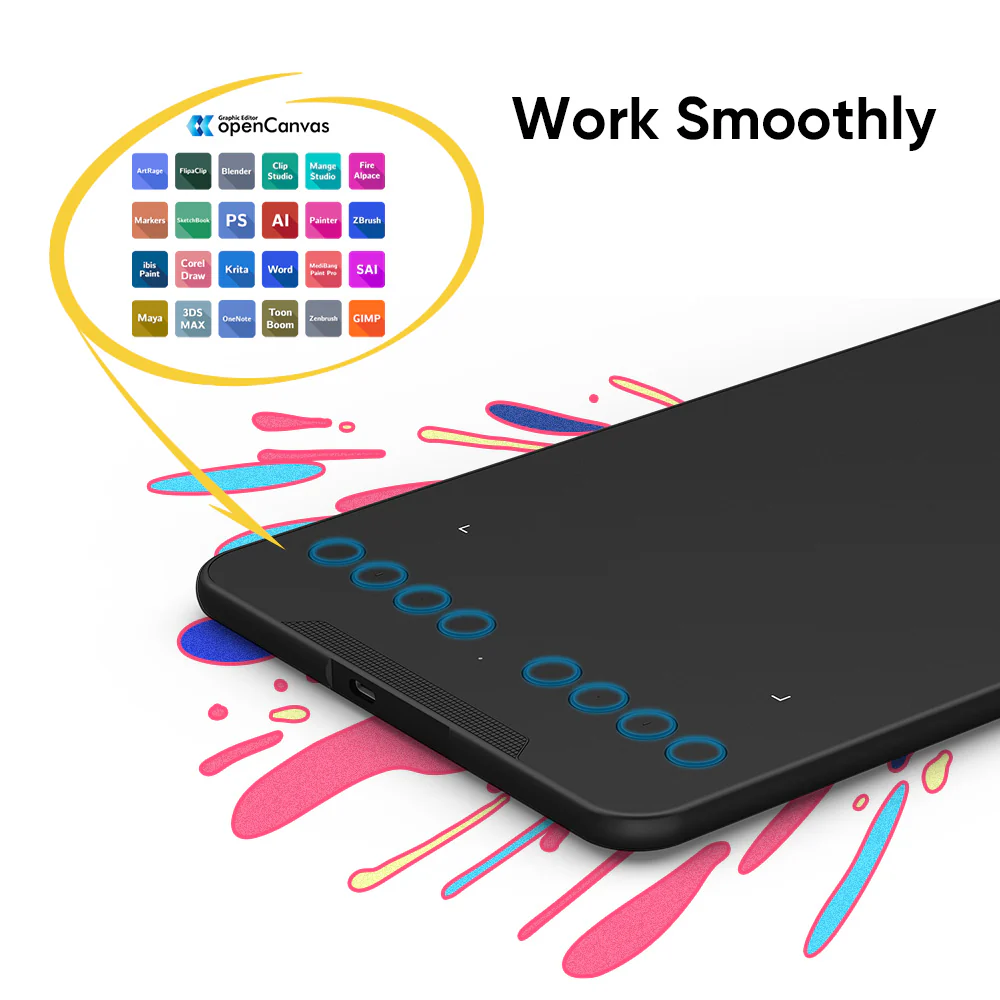
✅ [8 Customizable Shortcut Keys] – Designed for both right and left-handed users, the Deco Mini7 V2 features 8 programmable shortcut keys that streamline your creative process. Quickly access favorite tools and functions without interruptions.
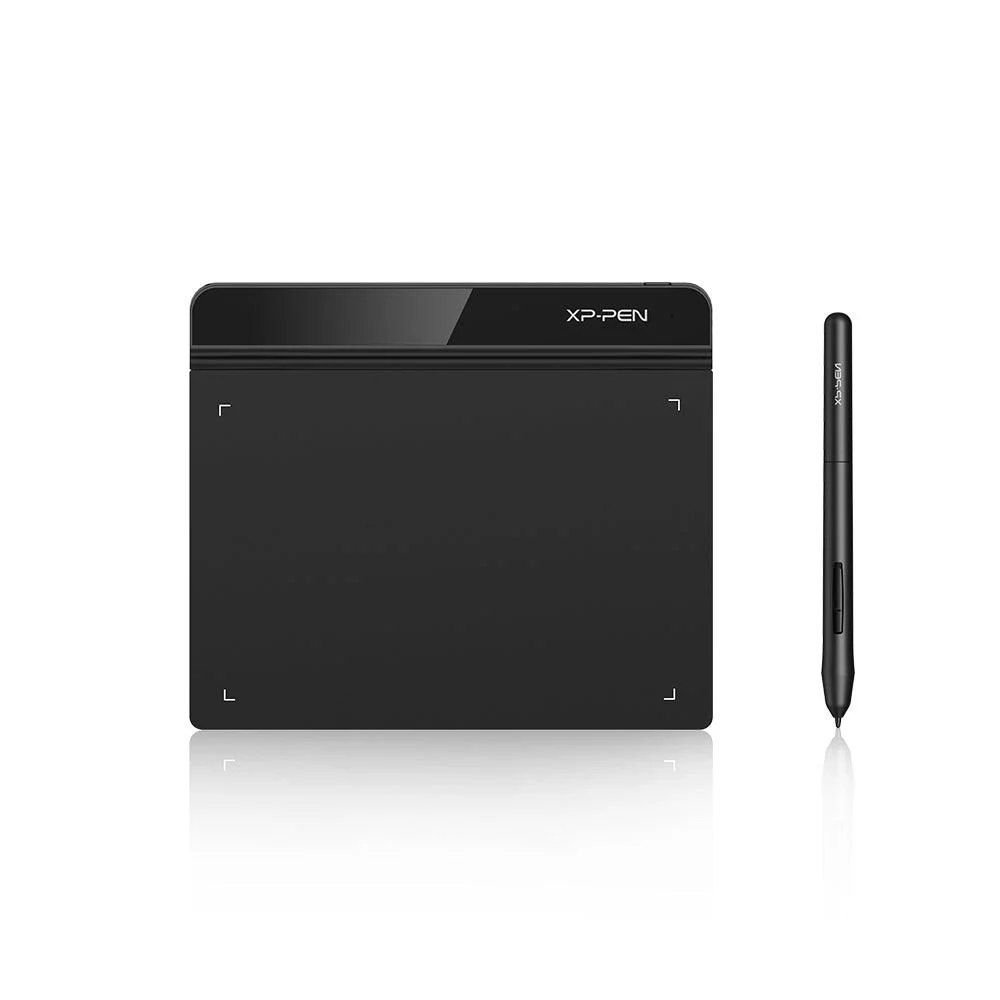
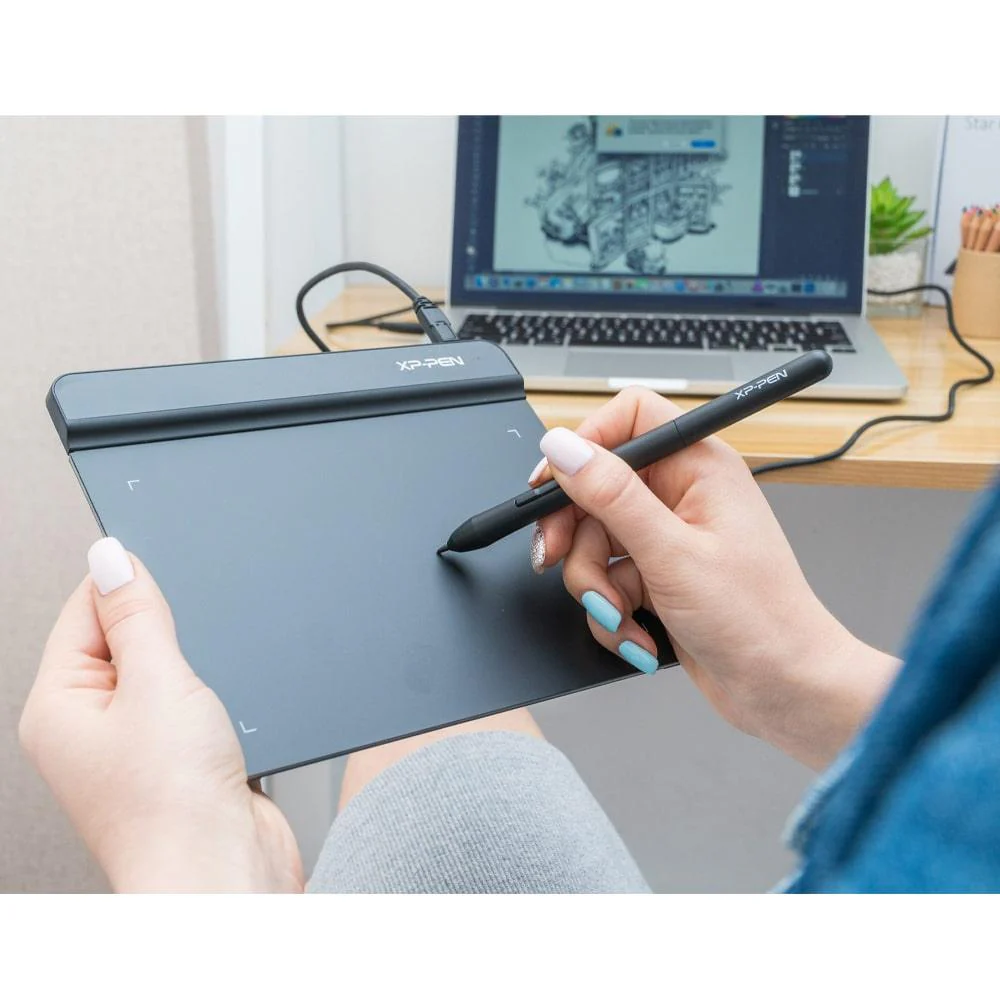
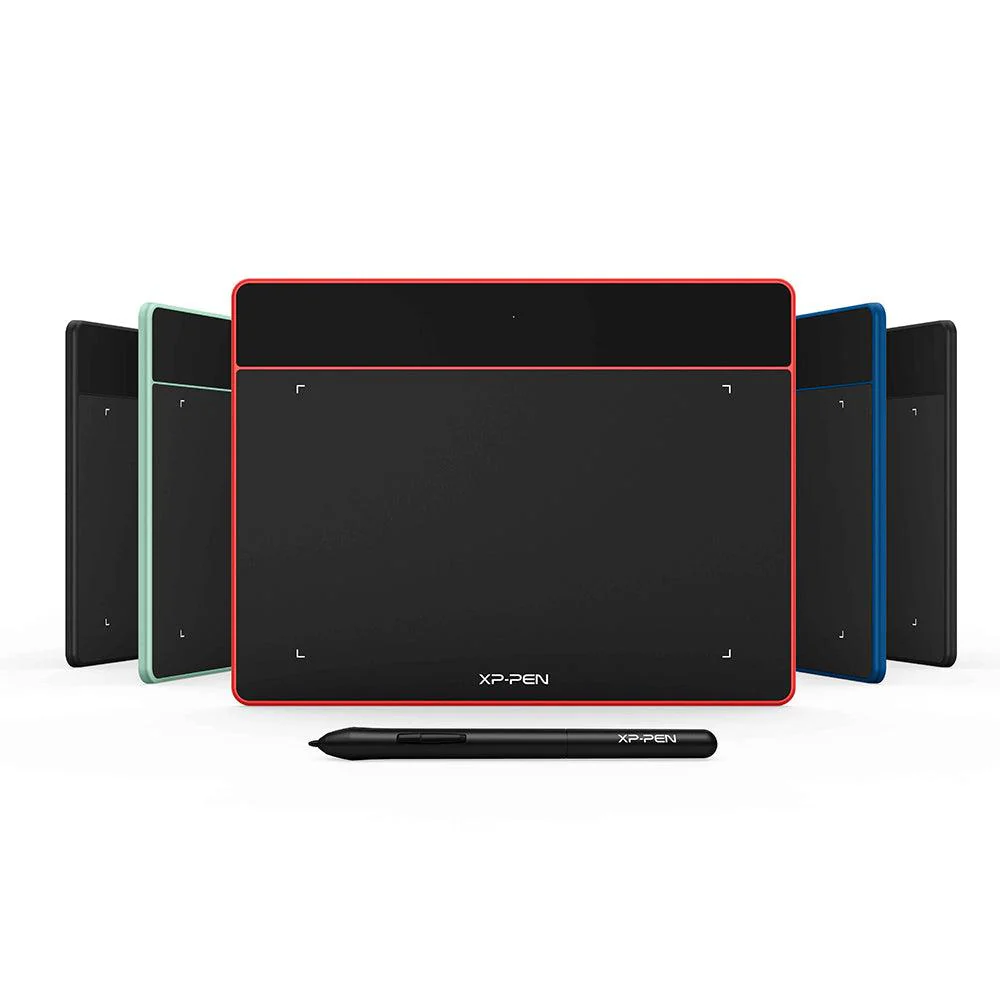
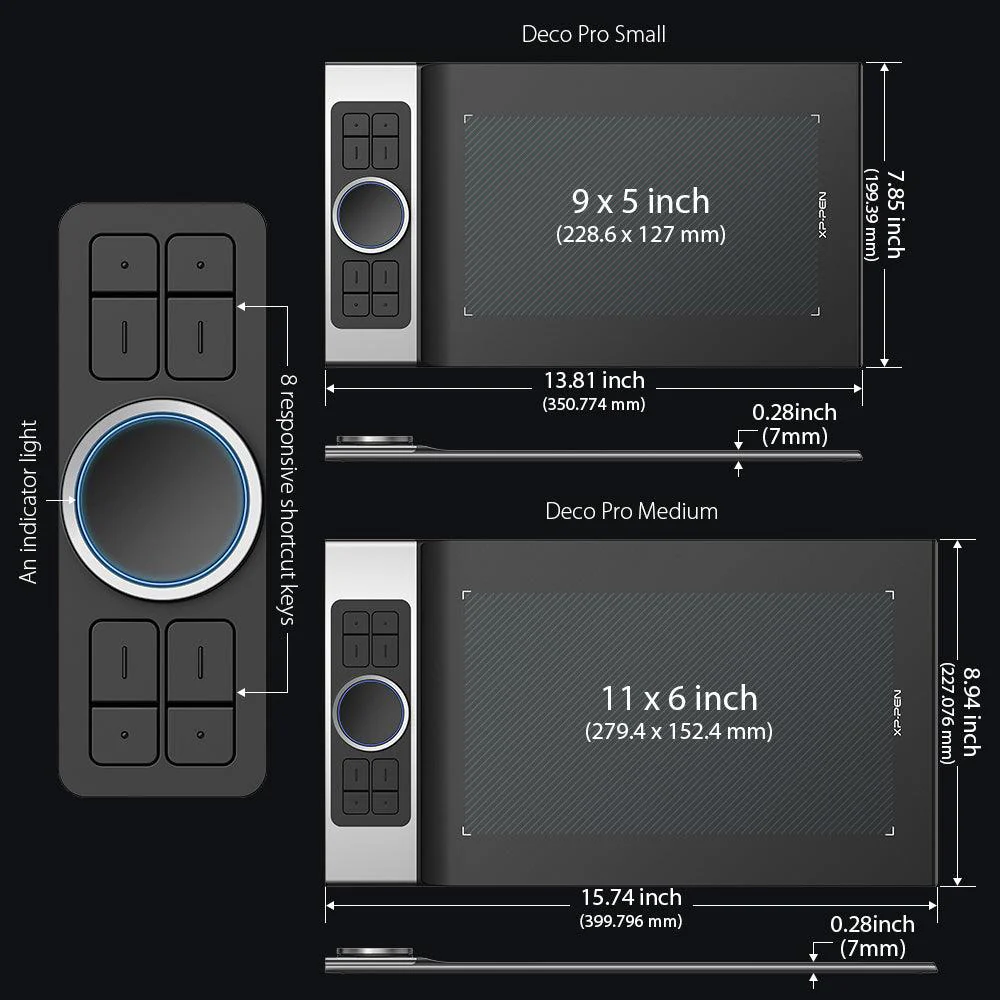
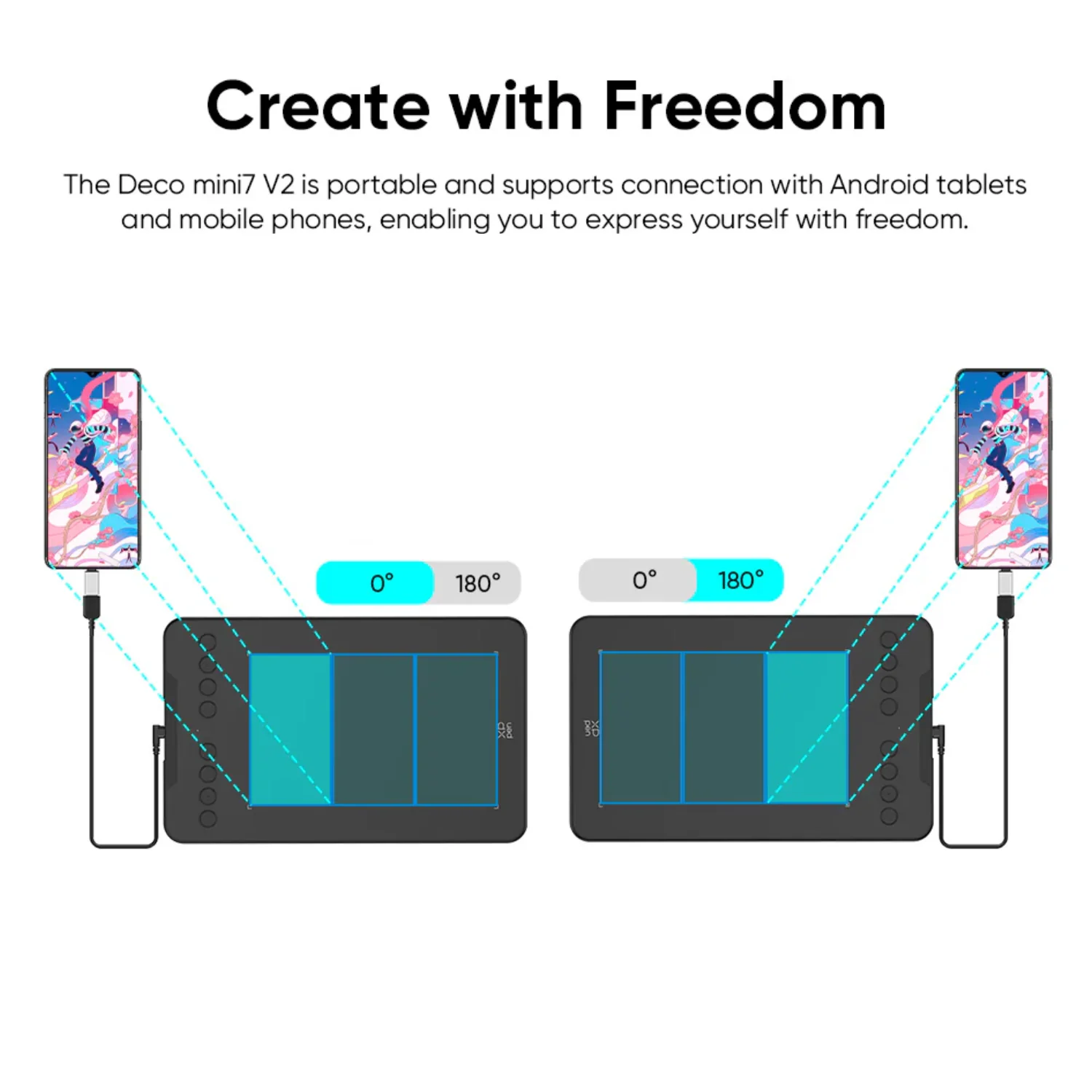
✅ [Portable & Compact Design] – Measuring just 10.2 x 6.3 x 0.36 inches, the lightweight and slim design makes it easy to sketch anywhere—whether at a café, park, or while traveling. The USB-C connection and USB to USB-C adapter ensure seamless compatibility with various devices.
✅ [Great for Beginners] – Ideal for anyone new to digital art, painting, gaming, or editing, the Deco Mini7 V2 offers a cost-effective entry point into the creative world. Its intuitive design helps aspiring artists develop skills with ease.
✅ [Wide Compatibility] – Works with Windows 7 (or later), Mac OS X 10.10 (or later), Android 10.0 (or later) and Linux.
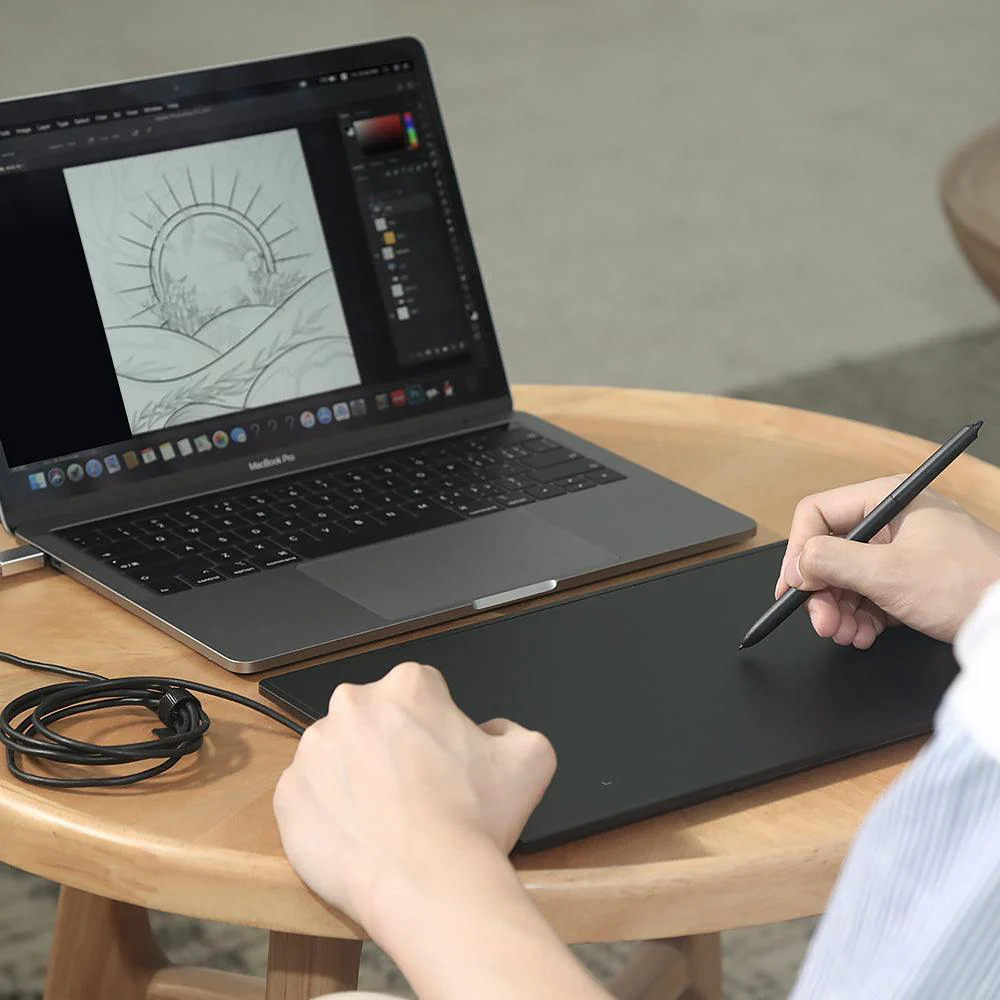
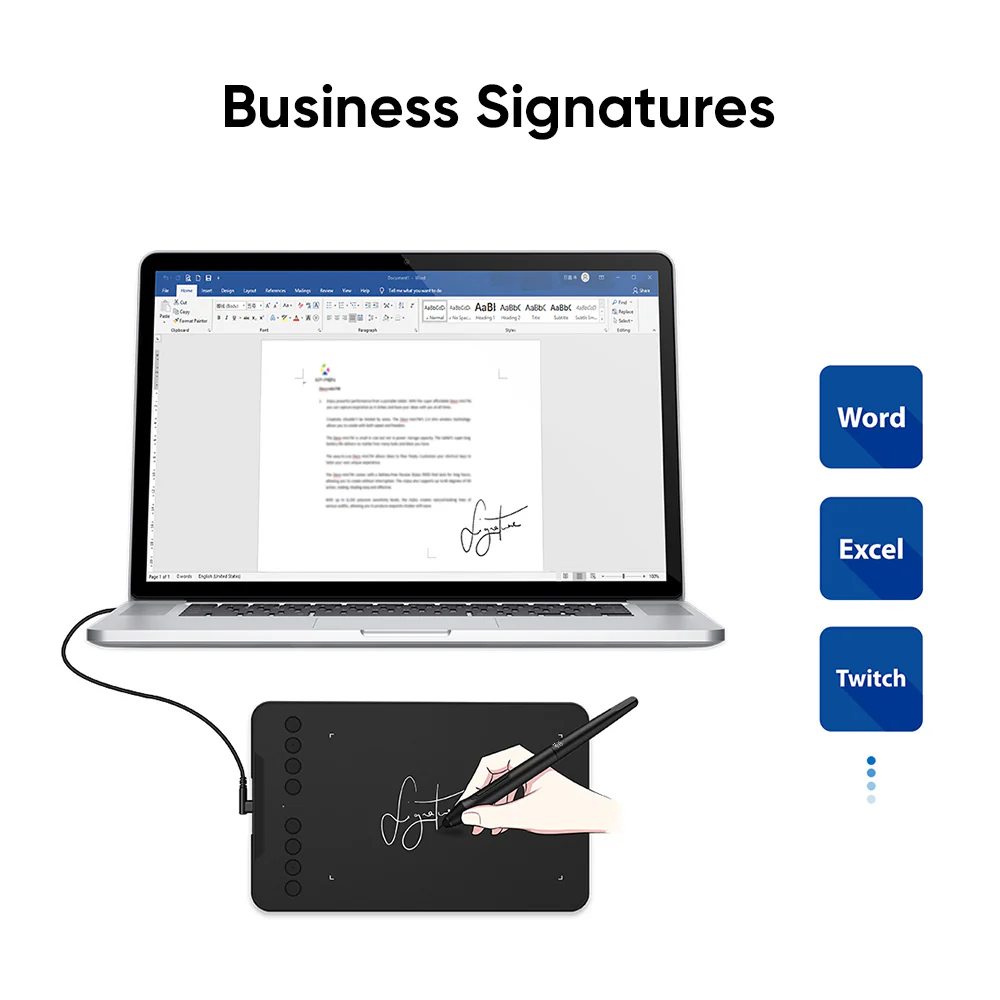
✅ [Supports All Design Softwares]: Ideal for drawing, sketching, illustrations, animation, etc. XPPen Deco Mini 7 V2 is software neutral, meaning it works seamlessly with ALL commonly used design softwares including AdobeCC, Krita, Corel, Clip studio, Blender, etc.
✅ [Technical support]: We offer a pan-India 12 months replacement warranty on XPPen graphic tablets. For technical support, call us on our toll free number or raise a ticket on our website.
Original: $39.97
-70%$39.97
$11.99More Images
Deco Mini 7 V2
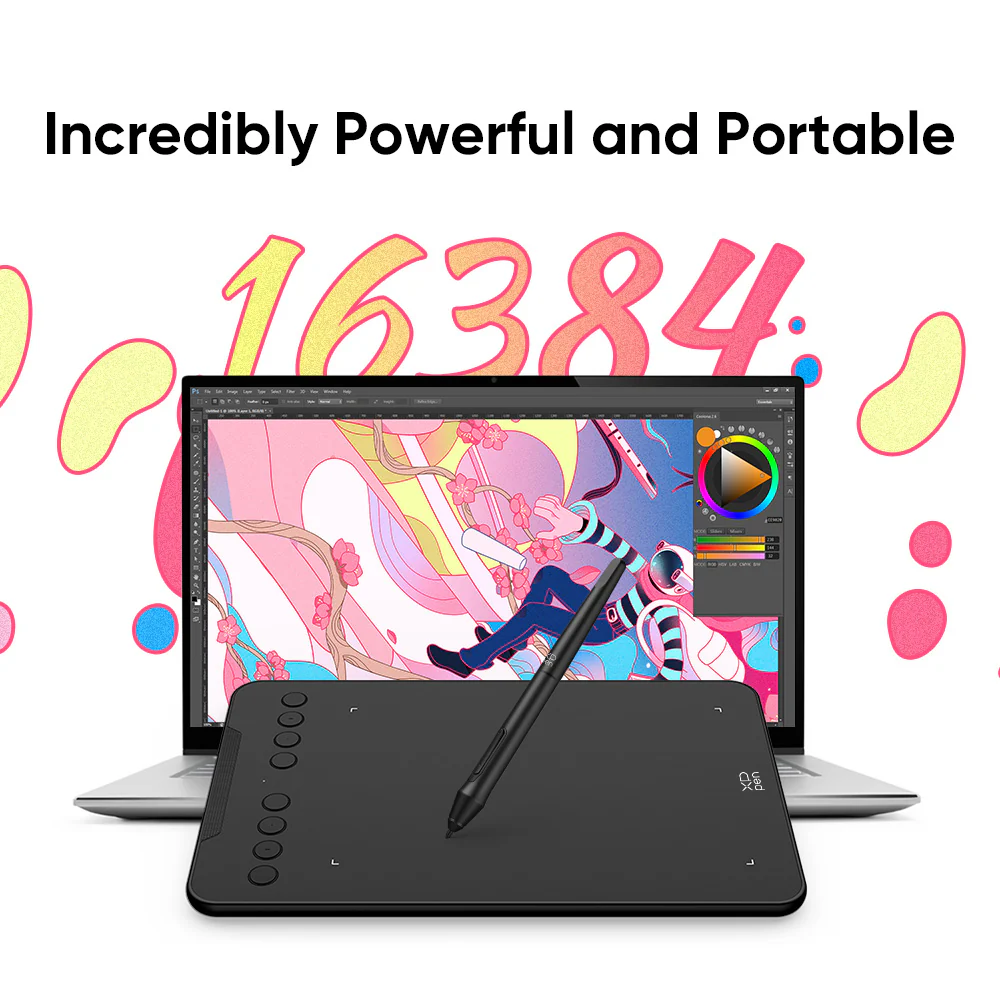
✅ [World’s First 16K Pressure Levels] – The upgraded stylus offers 16,384 levels of pressure sensitivity for enhanced precision, making it ideal for detailed artwork. The battery-free pen ensures uninterrupted creativity, while enhanced nibs provide long-lasting reliability. 60° tilt support allows beginners to achieve varied line thicknesses and shading effects effortlessly.
✅ [Beginner-Friendly Updated Driver] – The newly optimized driver features a simplified UI, making it easy for students, beginner artists, and hobbyists to set up and start drawing. The intuitive interface allows for a smooth, distraction-free creative experience, helping users gain confidence in digital art.
✅ [8 Customizable Shortcut Keys] – Designed for both right and left-handed users, the Deco Mini7 V2 features 8 programmable shortcut keys that streamline your creative process. Quickly access favorite tools and functions without interruptions.
✅ [Portable & Compact Design] – Measuring just 10.2 x 6.3 x 0.36 inches, the lightweight and slim design makes it easy to sketch anywhere—whether at a café, park, or while traveling. The USB-C connection and USB to USB-C adapter ensure seamless compatibility with various devices.
✅ [Great for Beginners] – Ideal for anyone new to digital art, painting, gaming, or editing, the Deco Mini7 V2 offers a cost-effective entry point into the creative world. Its intuitive design helps aspiring artists develop skills with ease.
✅ [Wide Compatibility] – Works with Windows 7 (or later), Mac OS X 10.10 (or later), Android 10.0 (or later) and Linux.
✅ [Supports All Design Softwares]: Ideal for drawing, sketching, illustrations, animation, etc. XPPen Deco Mini 7 V2 is software neutral, meaning it works seamlessly with ALL commonly used design softwares including AdobeCC, Krita, Corel, Clip studio, Blender, etc.
✅ [Technical support]: We offer a pan-India 12 months replacement warranty on XPPen graphic tablets. For technical support, call us on our toll free number or raise a ticket on our website.
Product Information
Product Information
Shipping & Returns
Shipping & Returns
Description
✅ [World’s First 16K Pressure Levels] – The upgraded stylus offers 16,384 levels of pressure sensitivity for enhanced precision, making it ideal for detailed artwork. The battery-free pen ensures uninterrupted creativity, while enhanced nibs provide long-lasting reliability. 60° tilt support allows beginners to achieve varied line thicknesses and shading effects effortlessly.
✅ [Beginner-Friendly Updated Driver] – The newly optimized driver features a simplified UI, making it easy for students, beginner artists, and hobbyists to set up and start drawing. The intuitive interface allows for a smooth, distraction-free creative experience, helping users gain confidence in digital art.
✅ [8 Customizable Shortcut Keys] – Designed for both right and left-handed users, the Deco Mini7 V2 features 8 programmable shortcut keys that streamline your creative process. Quickly access favorite tools and functions without interruptions.
✅ [Portable & Compact Design] – Measuring just 10.2 x 6.3 x 0.36 inches, the lightweight and slim design makes it easy to sketch anywhere—whether at a café, park, or while traveling. The USB-C connection and USB to USB-C adapter ensure seamless compatibility with various devices.
✅ [Great for Beginners] – Ideal for anyone new to digital art, painting, gaming, or editing, the Deco Mini7 V2 offers a cost-effective entry point into the creative world. Its intuitive design helps aspiring artists develop skills with ease.
✅ [Wide Compatibility] – Works with Windows 7 (or later), Mac OS X 10.10 (or later), Android 10.0 (or later) and Linux.
✅ [Supports All Design Softwares]: Ideal for drawing, sketching, illustrations, animation, etc. XPPen Deco Mini 7 V2 is software neutral, meaning it works seamlessly with ALL commonly used design softwares including AdobeCC, Krita, Corel, Clip studio, Blender, etc.
✅ [Technical support]: We offer a pan-India 12 months replacement warranty on XPPen graphic tablets. For technical support, call us on our toll free number or raise a ticket on our website.